Why DBAs Are Replacing SSMS and pgAdmin with a Single Modern Interface
If you manage databases professionally, your taskbar probably looks like this: SSMS for SQL Server, pgAdmin for PostgreSQL, MongoDB Compass for MongoDB, the Azure Portal for cloud resources, and maybe DBeaver as a catch-all. Five tools, five interfaces, five sets of keyboard shortcuts. There's a better way.
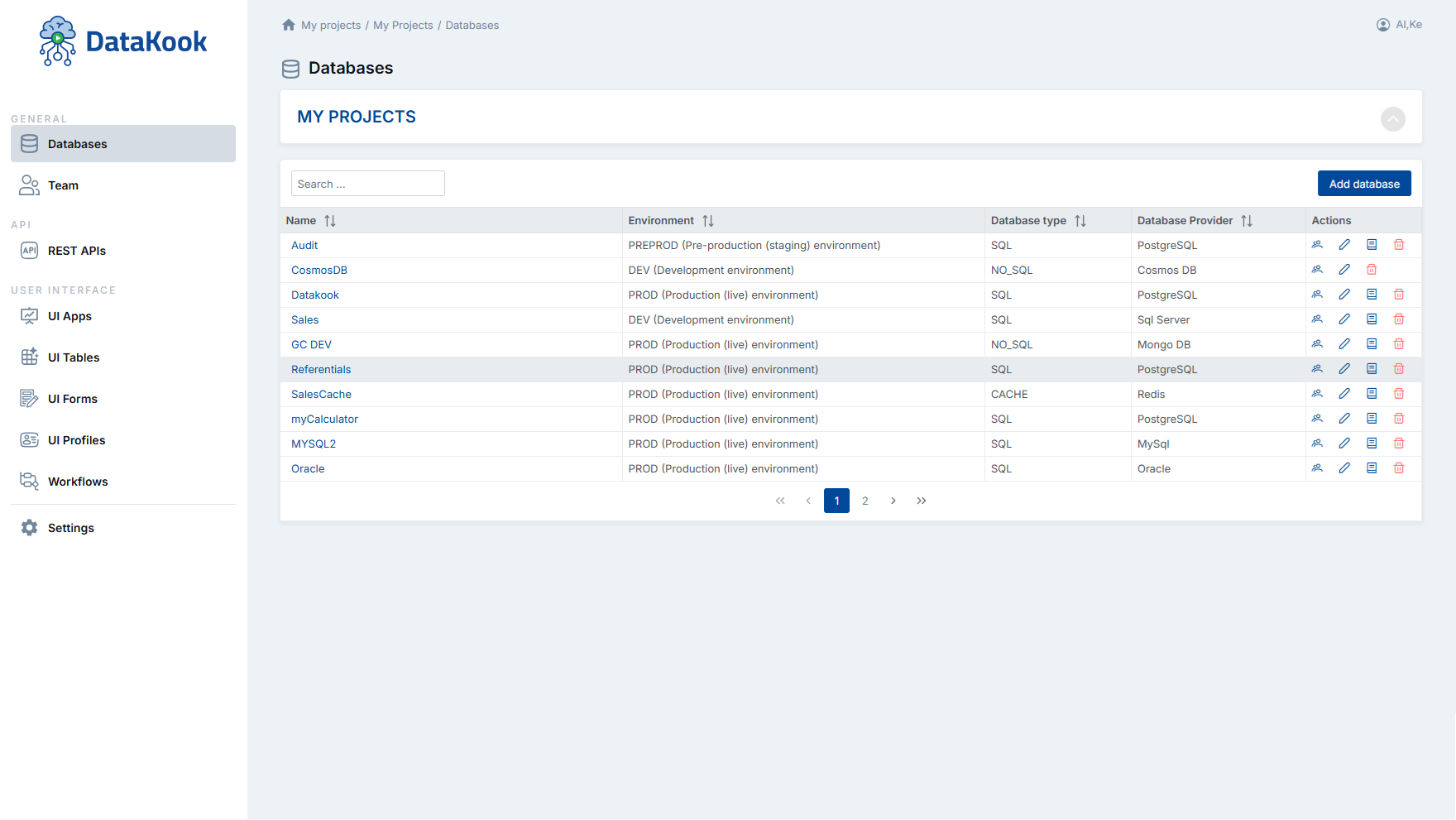
Databases — Manage all your SQL and NoSQL connections from one unified dashboard
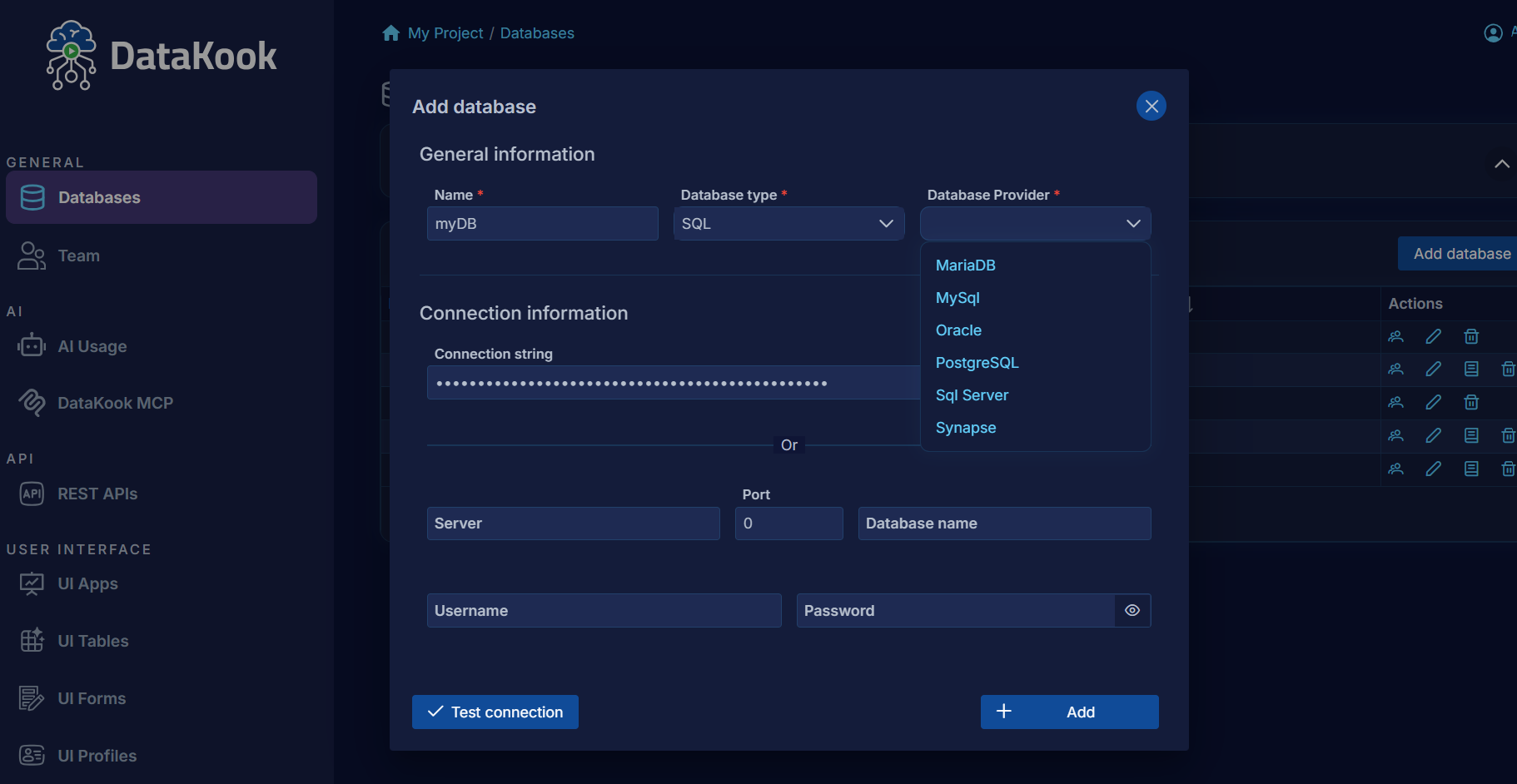
Add Database — Connect any SQL or NoSQL source in seconds, no driver installation needed
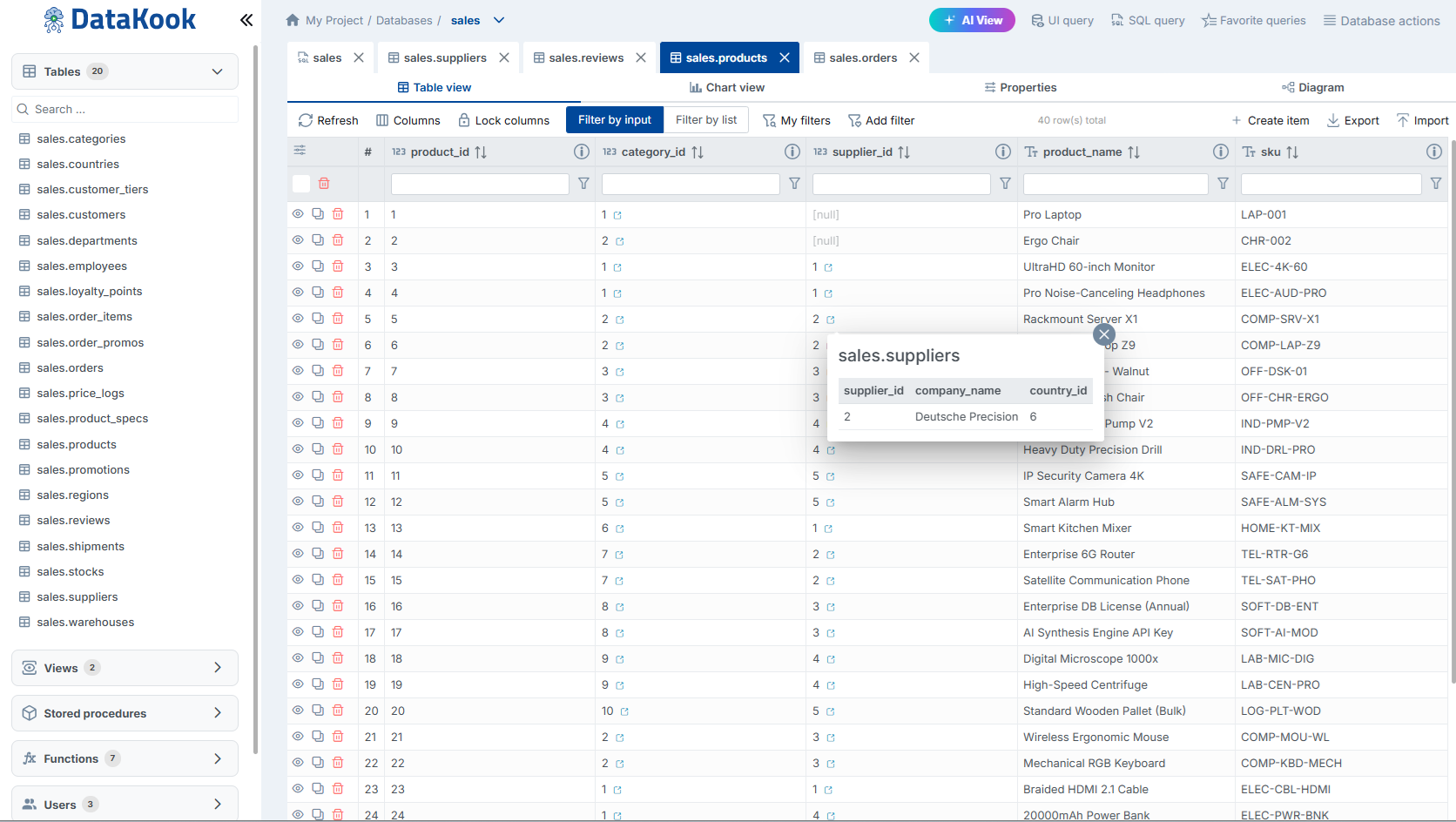
SQL Tables — Browse, filter, and edit table data visually across all your databases
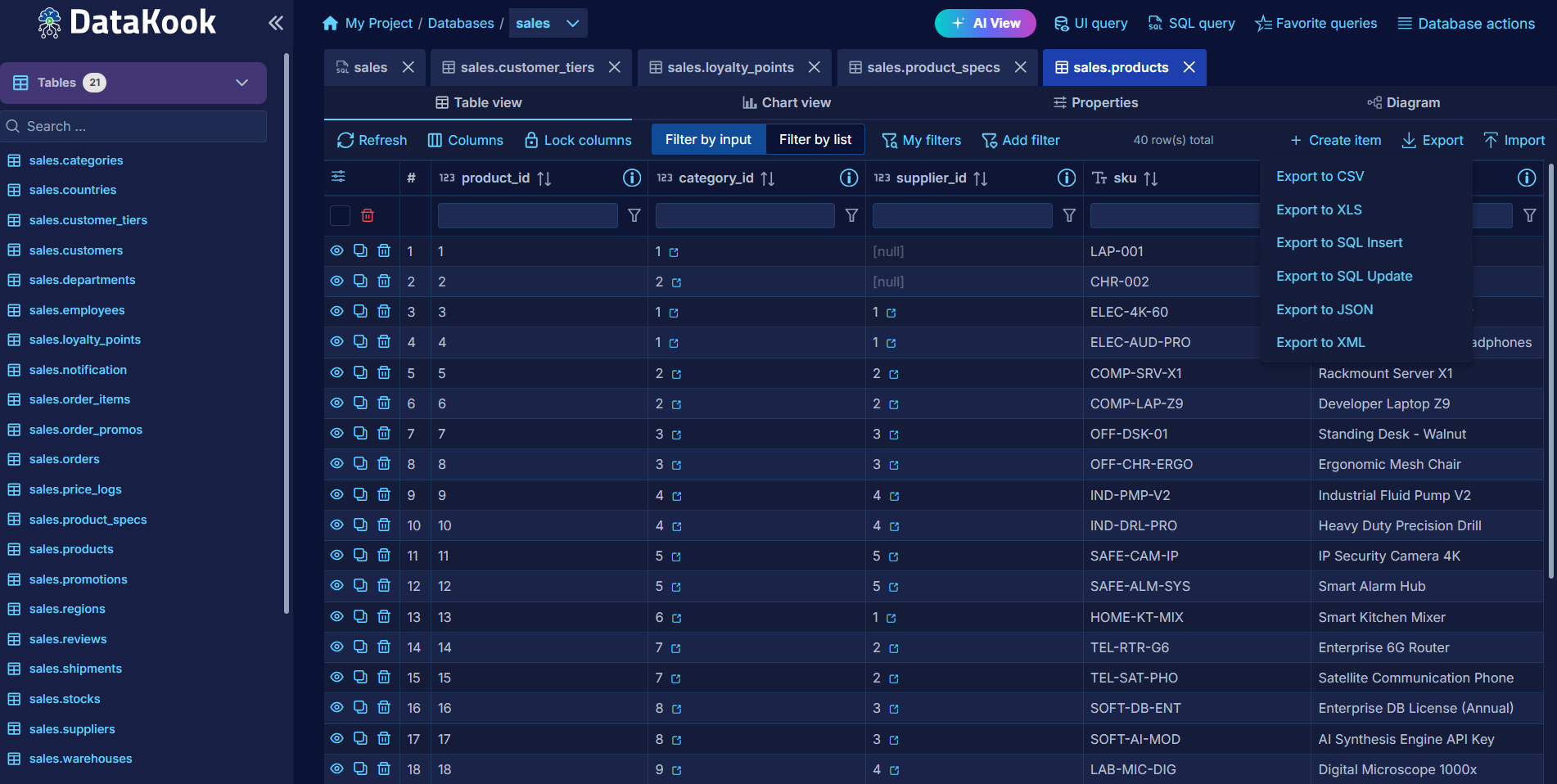
Export — Same export experience (CSV, Excel, JSON) regardless of database engine
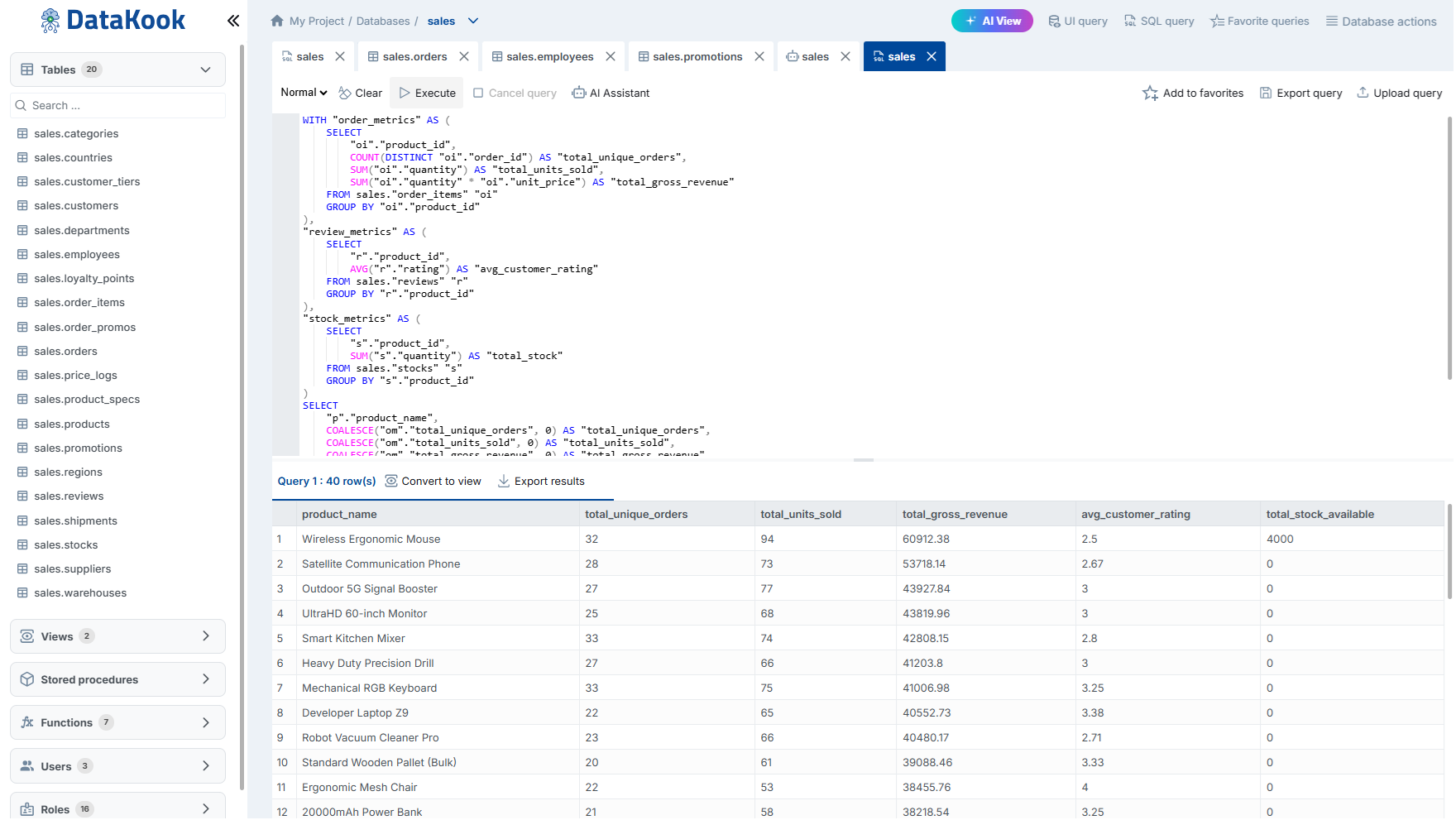
Query Editor — Write and run queries with syntax highlighting and auto-complete
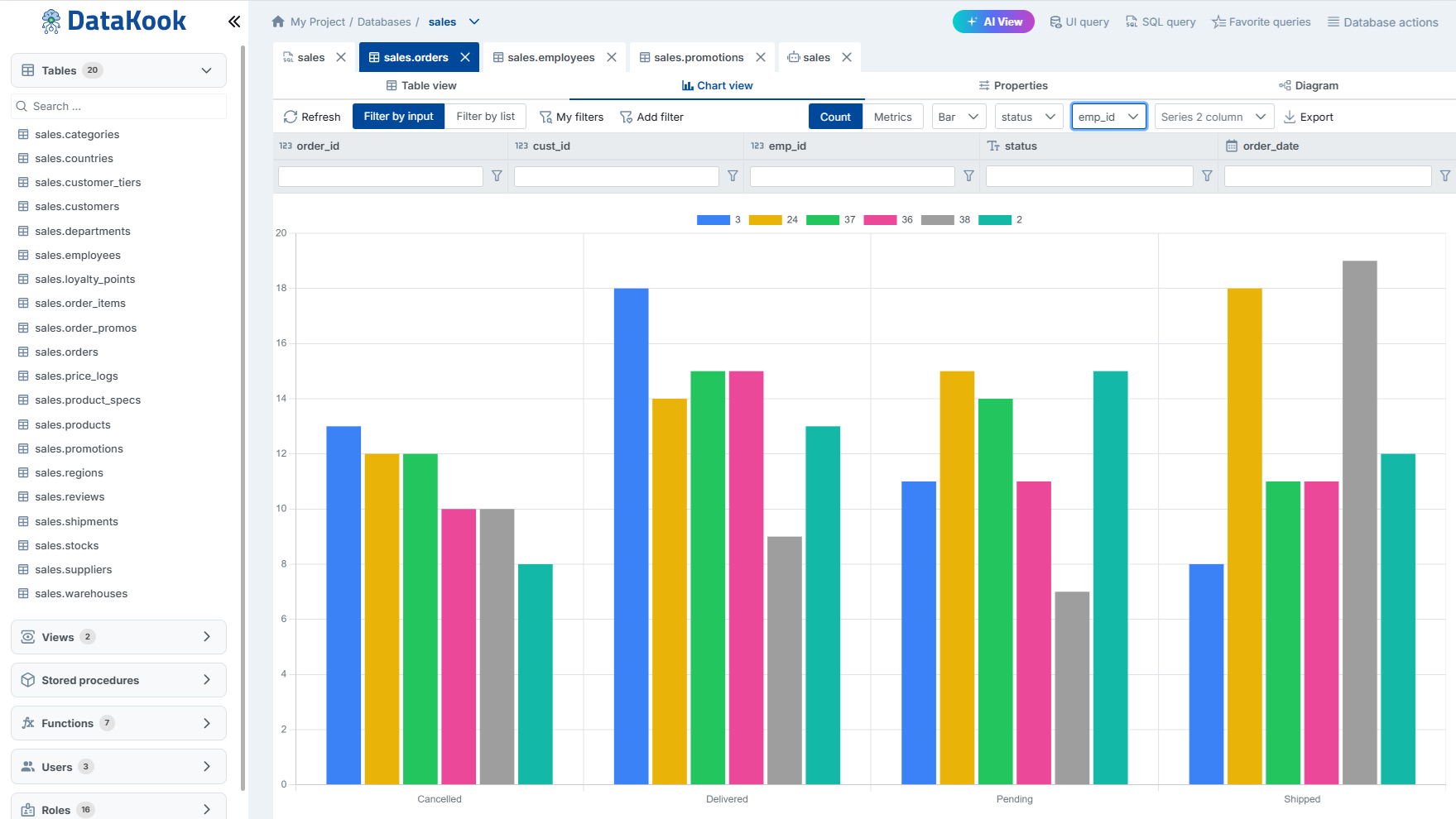
Charts — Visualize query results instantly with multiple chart types
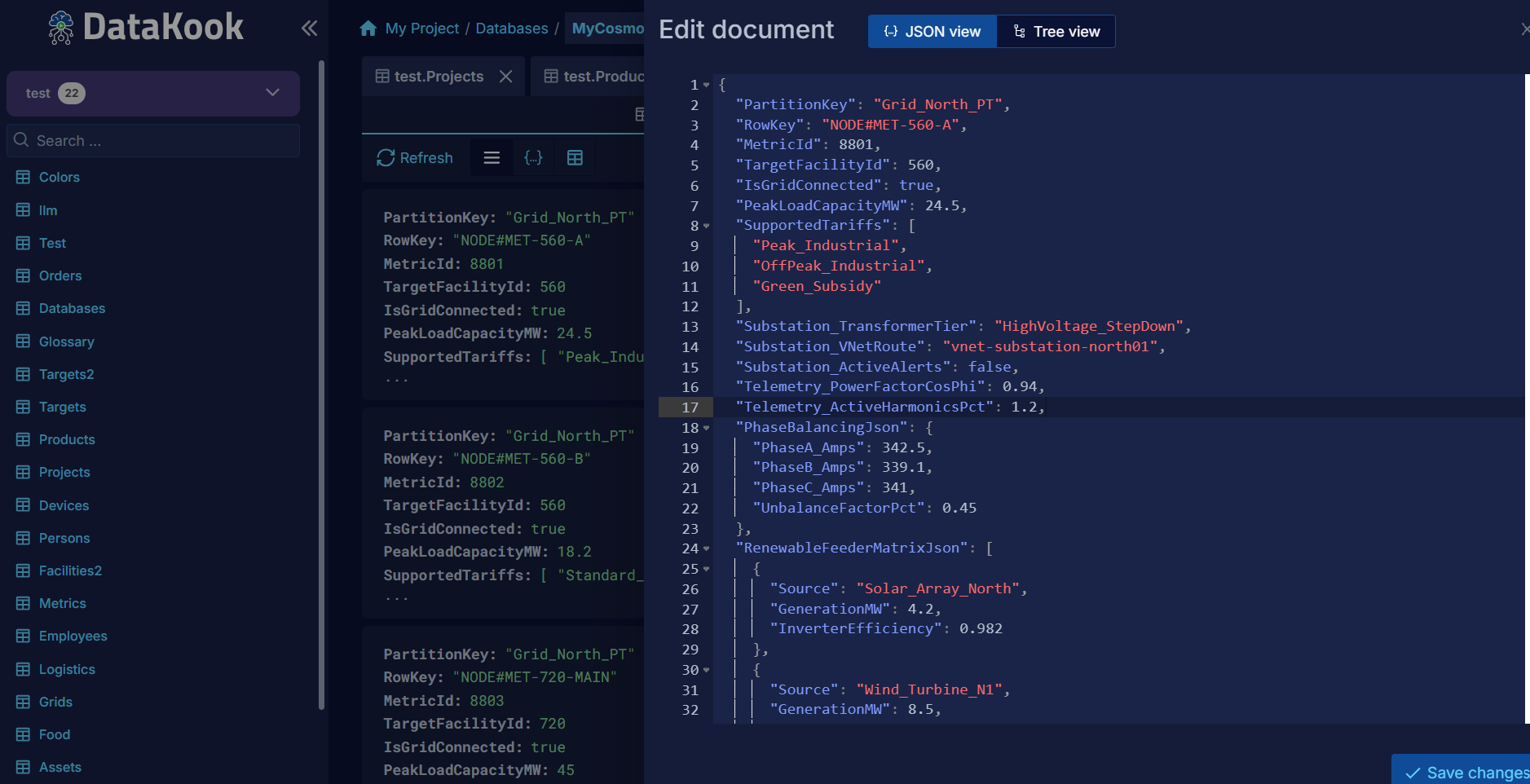
NoSQL — Explore and manage MongoDB, CosmosDB, and more with the same familiar UI
The Real Cost of Tool Sprawl
It's not just about desktop clutter. Every additional tool in your stack has hidden costs:
- Context switching tax — Studies show it takes 23 minutes to regain focus after switching between applications. If you switch tools 10 times a day, that's hours of lost productivity.
- Inconsistent workflows — Each tool has different shortcuts, different ways to export data, different query formatting. Your muscle memory fights you.
- License costs — SSMS is free, but DBeaver Pro, DataGrip, and others aren't. Multiply by your team size.
- Onboarding time — New team members need to learn 3-5 different interfaces just to do their daily work.
- Security gaps — Each tool stores credentials differently. Connection strings scattered across machines, config files, and password managers.
What's Wrong with SSMS in 2026?
Let's be honest: SSMS was designed in a different era. It's a desktop application that:
- Only works on Windows
- Only connects to SQL Server / Azure SQL
- Has a UI that hasn't fundamentally changed since 2005
- Offers no collaboration features (no shared queries, no team permissions)
- Has no AI assistance
- Requires local installation and maintenance
For a DBA managing only SQL Server instances, SSMS still works. But the moment you add PostgreSQL, MongoDB, or any other engine to your stack — you need another tool.
The Unified Interface Approach
DataKook takes a different approach: one web-based interface that connects to all your databases — SQL and NoSQL — with a consistent experience across all of them.
What stays the same across engines:
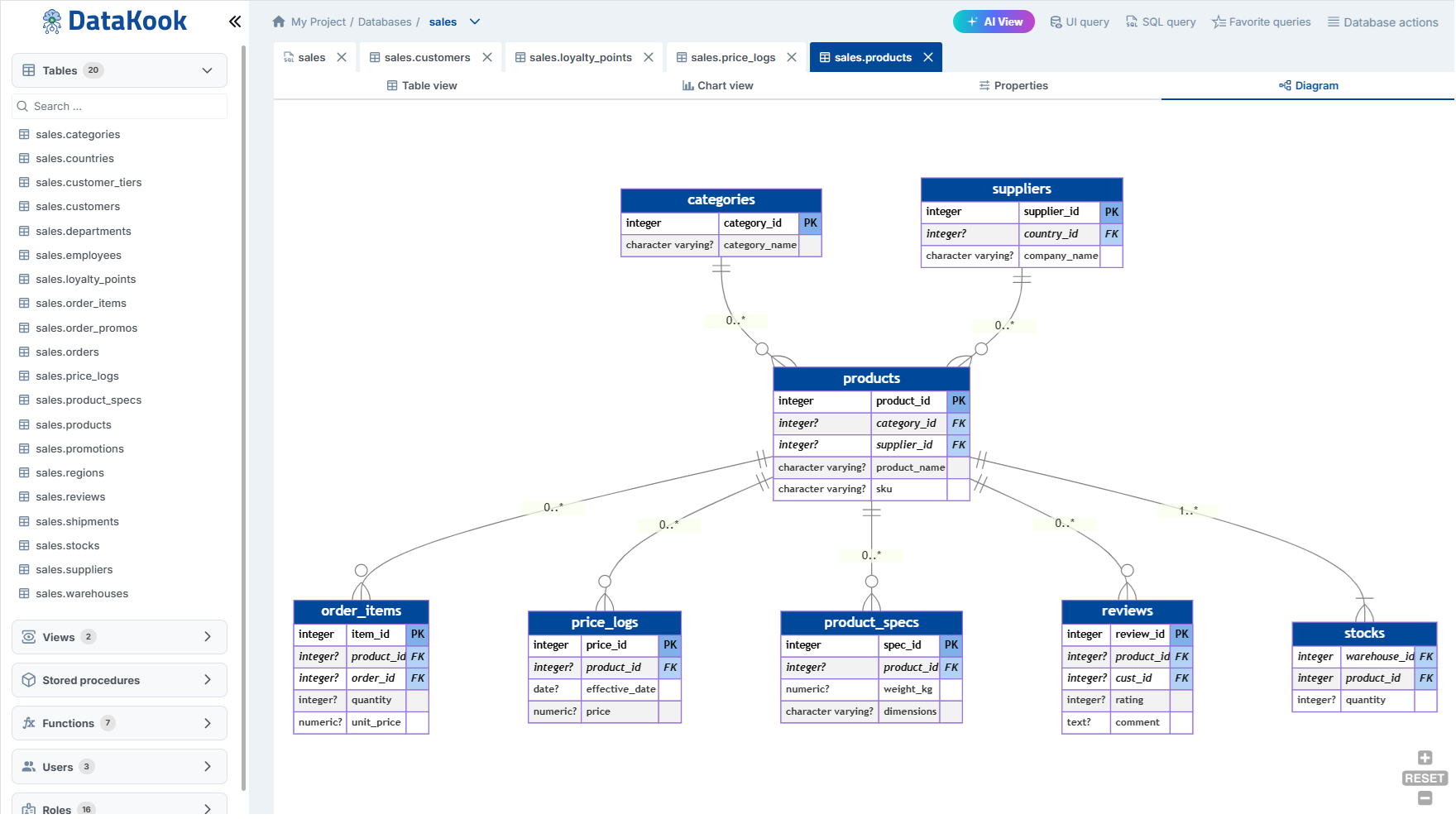
- Schema navigation and exploration
- Data browsing and editing
- Query execution and results
- Export formats (CSV, JSON, Excel)
- Access control and permissions
- Audit logging
What adapts per engine:
- Query language (SQL vs MQL vs KQL)
- Schema representation (tables vs collections vs indexes)
- Data types and constraints
Daily Tasks: Before and After
| Task | Before (multi-tool) | After (DataKook) |
|---|---|---|
| Check a table across 3 DBs | Open SSMS + pgAdmin + Compass | Switch tabs in one interface |
| Grant read access to a colleague | Run GRANT in each DB + update docs | Add user, set RBAC — applies everywhere |
| Export query results | Different export UX in each tool | Same Export button, same formats |
| Find "who changed that row" | Check server logs (if enabled) | Built-in audit trail — user, time, change |
| Write a complex query | Write SQL manually, debug syntax | Describe in English → AI generates SQL |
Web-Based: Access from Anywhere
DataKook runs as a web application deployed in your Azure subscription. This means:
- No local installation — access from any browser, any OS
- Always up to date — no manual patches or updates
- Team access built in — colleagues log in with their Azure AD credentials
- Secure by default — deployed in your VNet, behind your firewall
The AI Advantage
Legacy tools like SSMS were built before the AI era. DataKook integrates AI natively:
- Natural language to SQL — describe what you need, get the query
- Query explanation — paste complex SQL, get a plain English breakdown
- Schema suggestions — AI recommends indexes, normalization improvements
- Agentic mode — describe a multi-step task, AI executes it step by step
And critically: only your schema metadata reaches the AI — never your actual data.
Making the Switch
You don't have to abandon your existing tools overnight. DataKook connects to the same databases — it's additive, not destructive. Most teams start by:
- Connecting their most-used databases
- Using DataKook for daily browsing and queries
- Gradually onboarding team members
- Retiring individual tools as the team gets comfortable